
Everything you love. Neatly in your cloud.
Right-click an image – and it lands in your Google Photos, in the account you choose.
The extension has no tracking and no server of its own. Privacy





How it works
- Right-click an image on a website.
- Choose “Save to Google Photos”.
- Done. The original lands in your Google Photos, unchanged.
A look inside
What it does
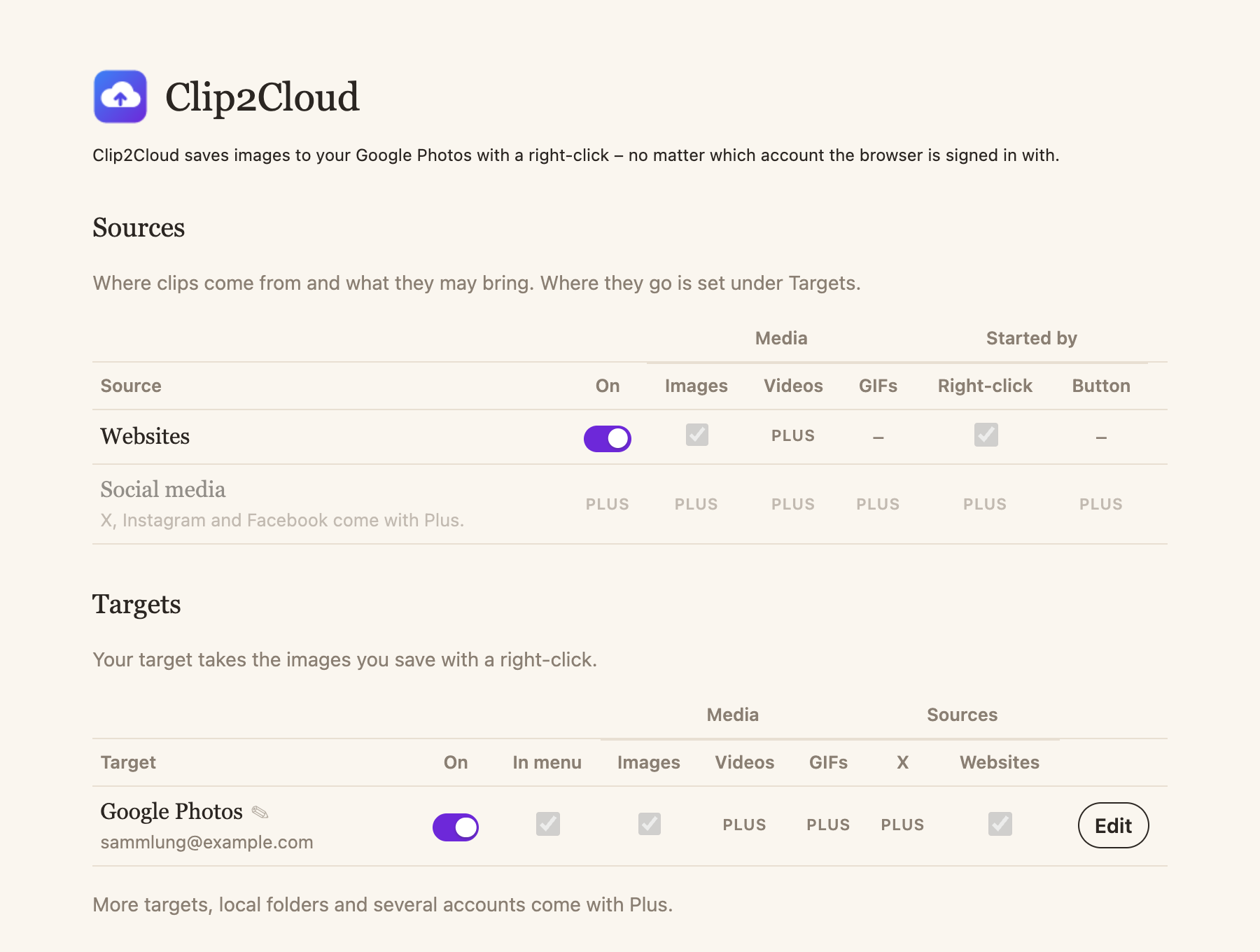
- Any account – also another one than your browser's.
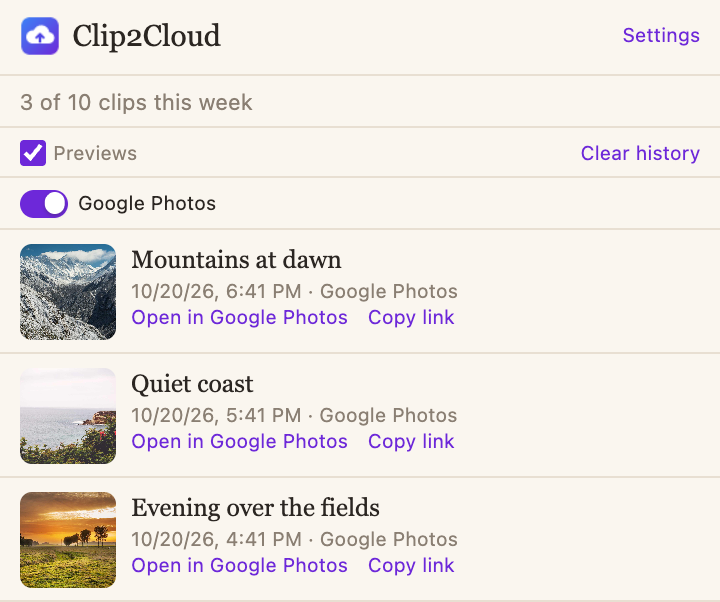
- Recent clips in the popup, with a link to each photo.
- Notices what is already saved.
- Waits when the network is gone, and saves later.
- Keeps where an image came from as its description.
- 10 clips a week, free.
More is coming with Clip2Cloud Plus.
Your images go straight from your browser to Google.
No server of our own, no tracking in the extension, no ads. Clip2Cloud may only add to your Google Photos – never read or delete.
Clip2Cloud is a Chrome extension. It asks Google only for permission to add photos to your library and for your email address – to make sure it saves into the account you chose. Privacy
Questions
What does it cost?
Nothing. You can save 10 images a week for free.
Why another account than my browser's?
Many people collect in an account of their own. You choose it once; Clip2Cloud makes sure its access to Google belongs to exactly that account.
What happens to my data?
Images go directly from your browser to Google Photos. Nothing passes through a server of ours.
What about X, Instagram and Facebook?
Saving from X, Instagram and Facebook comes with Clip2Cloud Plus – soon.
Where do my images go?
Into the library of the Google Photos account you chose, as the original.